Catch the idea
Record a thought on your iPhone or Apple Watch. Or type a note when speaking is inconvenient.
 SecondBrain Pro
Save an idea while you walk. Keep a decision after a meeting. SecondBrain Pro turns spoken thoughts on iPhone, iPad and Apple Watch into searchable memories, with control over where you store them.
Try it free on the App StoreSee what is includedLocal storage or free iCloud sync. Optional Standard and Premium upgrades are one-time purchases. On-device AI needs compatible Apple Intelligence hardware and iOS 26 or later.
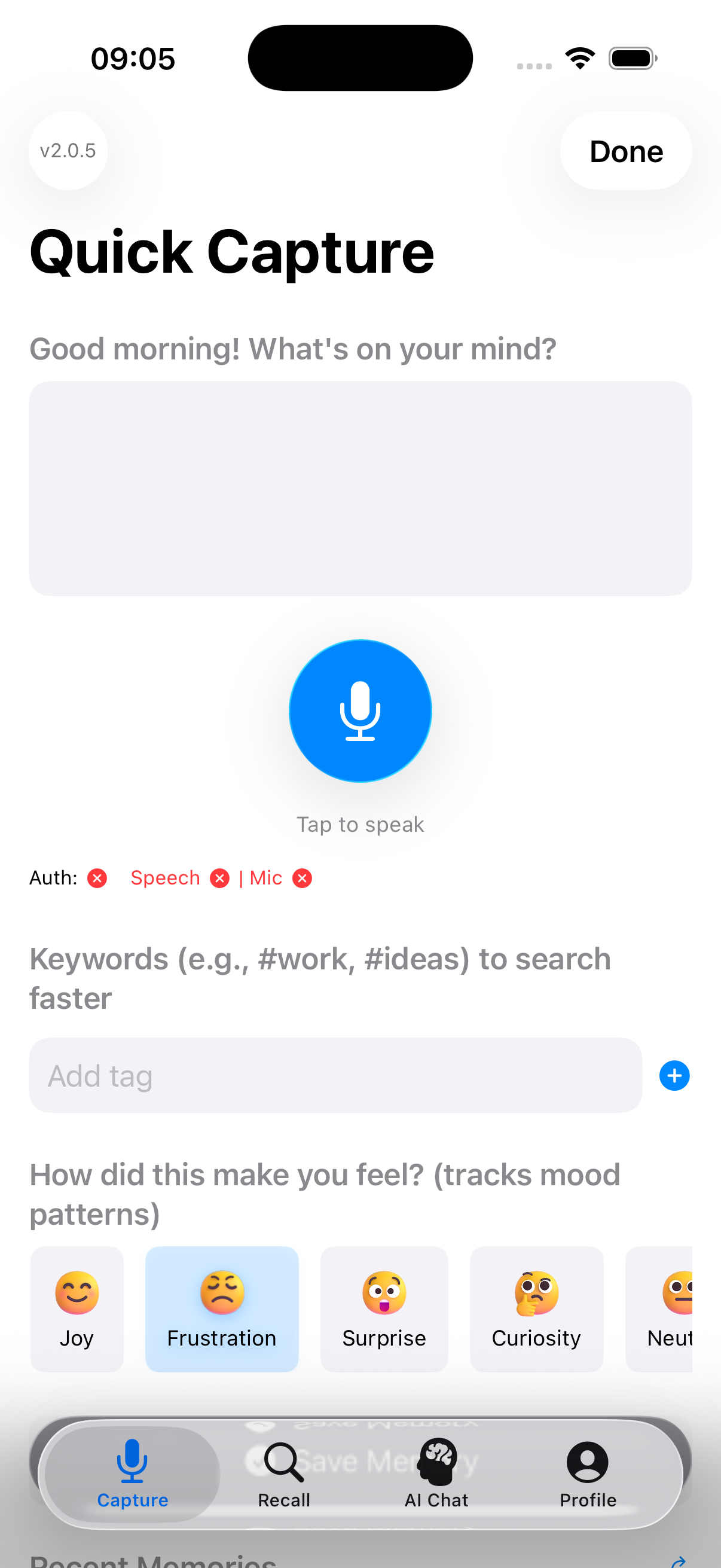
Ideas show up at bad times. Then they are gone. Just say it out loud. SecondBrain keeps it for you. Later that day: ask in your own words. Your idea comes right back. SecondBrain Pro. Search it on the App Store.
The video shows a spoken note in Quick Capture and a later question in AI Chat. Search by meaning, as shown, needs Premium and your own backend.
Record a thought on your iPhone or Apple Watch. Or type a note when speaking is inconvenient.
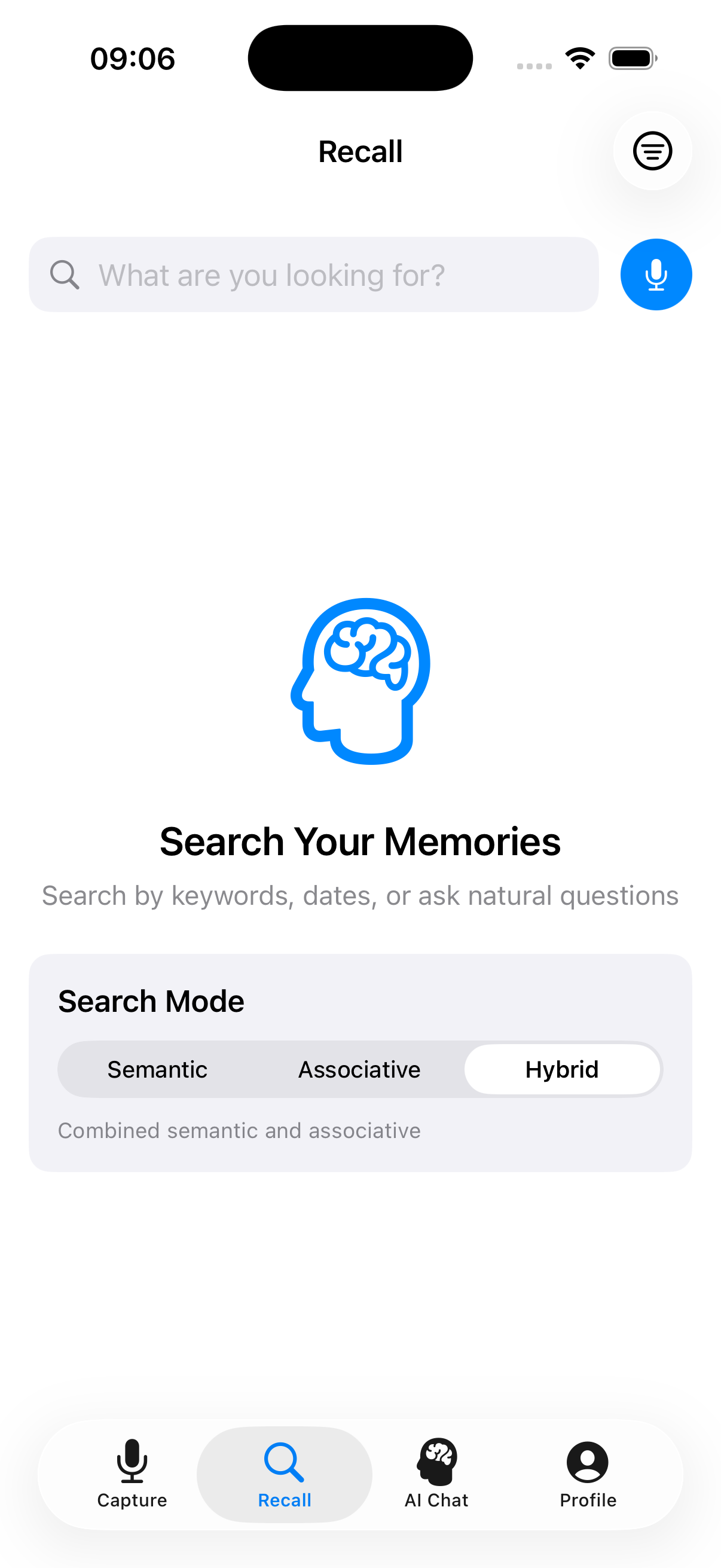
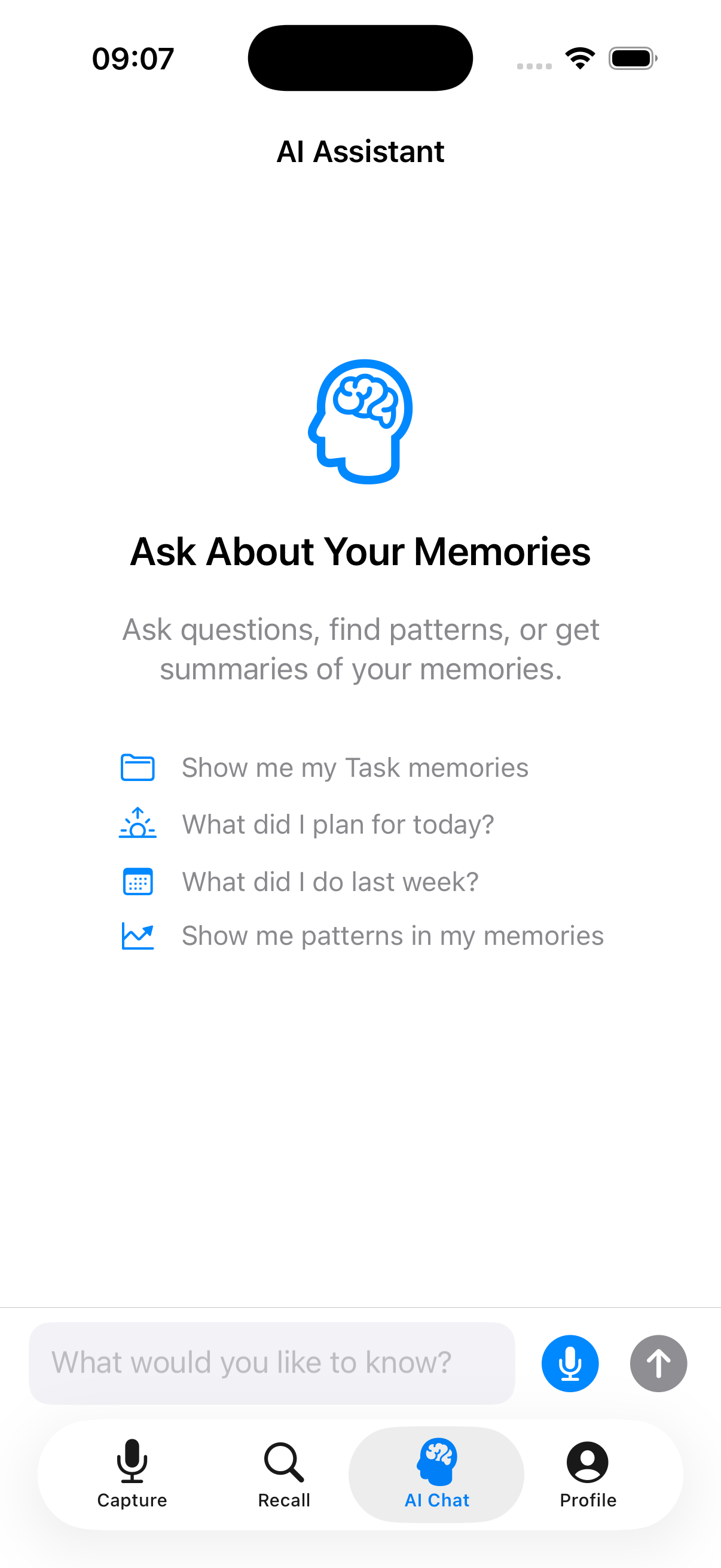
Search saved memories by text, tags or dates. Use AI chat to ask about your memories when a supported AI provider is available.
Collect learnings, tasks and decisions over time. Choose iCloud to keep memories available across your devices.
Voice capture, search and iCloud sync are included in Free. No SecondBrain account is required. Apple speech recognition may use Apple's servers; read how processing differs by feature.
Choose Local Only to store memories on your device. On-device AI processes them locally on supported hardware.
Sync with your personal Apple iCloud account. iCloud sync is free in every tier.
Optional for power users: Premium adds a connection to your own Cloudflare backend and MCP integration. Search memories by meaning and connect compatible tools such as Claude Code or Cursor.
This takes setup: your own Cloudflare account, a deployed backend, an API key and an MCP client. Cloudflare usage may cost extra. Memories and selected AI context are transmitted to your configured infrastructure.
Backend setup guide · MCP guideRead the product facts and FAQ for requirements, upgrades and data handling. The workflow comparison explains when local notes, iCloud or a custom backend fit.
Open SecondBrain Pro in the App Store